Signing In or Creating an Account
Signing In or Creating an Account
Section titled “Signing In or Creating an Account”1. Go to app.auditortax.com
Section titled “1. Go to app.auditortax.com”If you’re not signed in, this takes you straight to the sign-in page.

2. Enter your email and password, then click “Sign In”
Section titled “2. Enter your email and password, then click “Sign In””This is the standard path if you created your account with an email and password rather than through Google.
Outcome: you land on the Dashboard Page.
3. Or, click “Sign in with Google” to use google account
Section titled “3. Or, click “Sign in with Google” to use google account”This sends you away from AuditorTax to Google’s own sign-in page —
which redirects to accounts.google.com, asking permission to share
your name, email, and Google profile with “auditortax.com”.
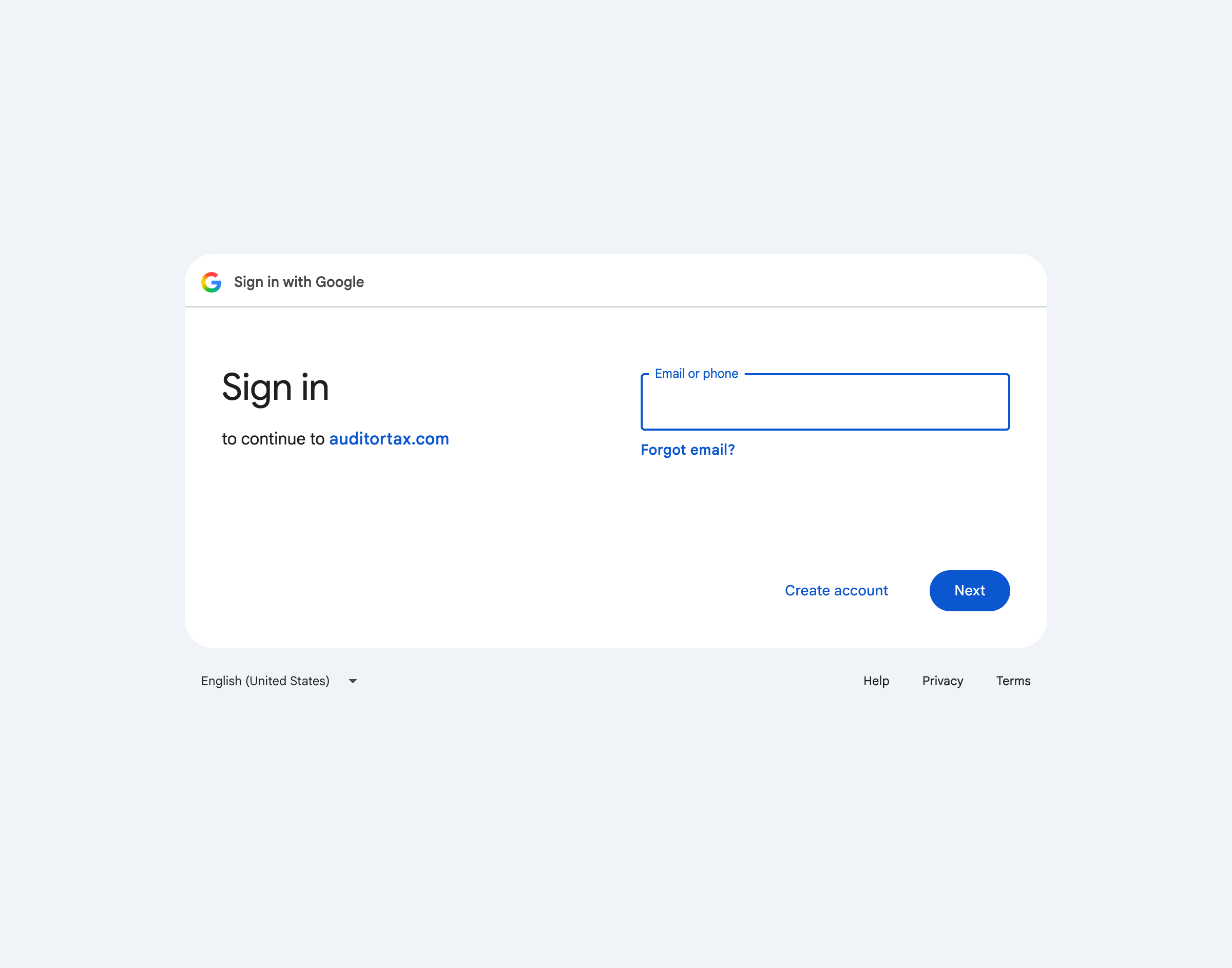
Outcome: after choosing a Google account and approving the permission request, Google redirects back straight to the Dashboard Page, or a one-time setup step for a brand-new Google-linked account.
4. New here? Click “Sign up” instead
Section titled “4. New here? Click “Sign up” instead”It’s the link at the bottom of the sign-in form. This switches the same page to a “Create your account” form: First name, Last name, Email, Password, and Confirm password.
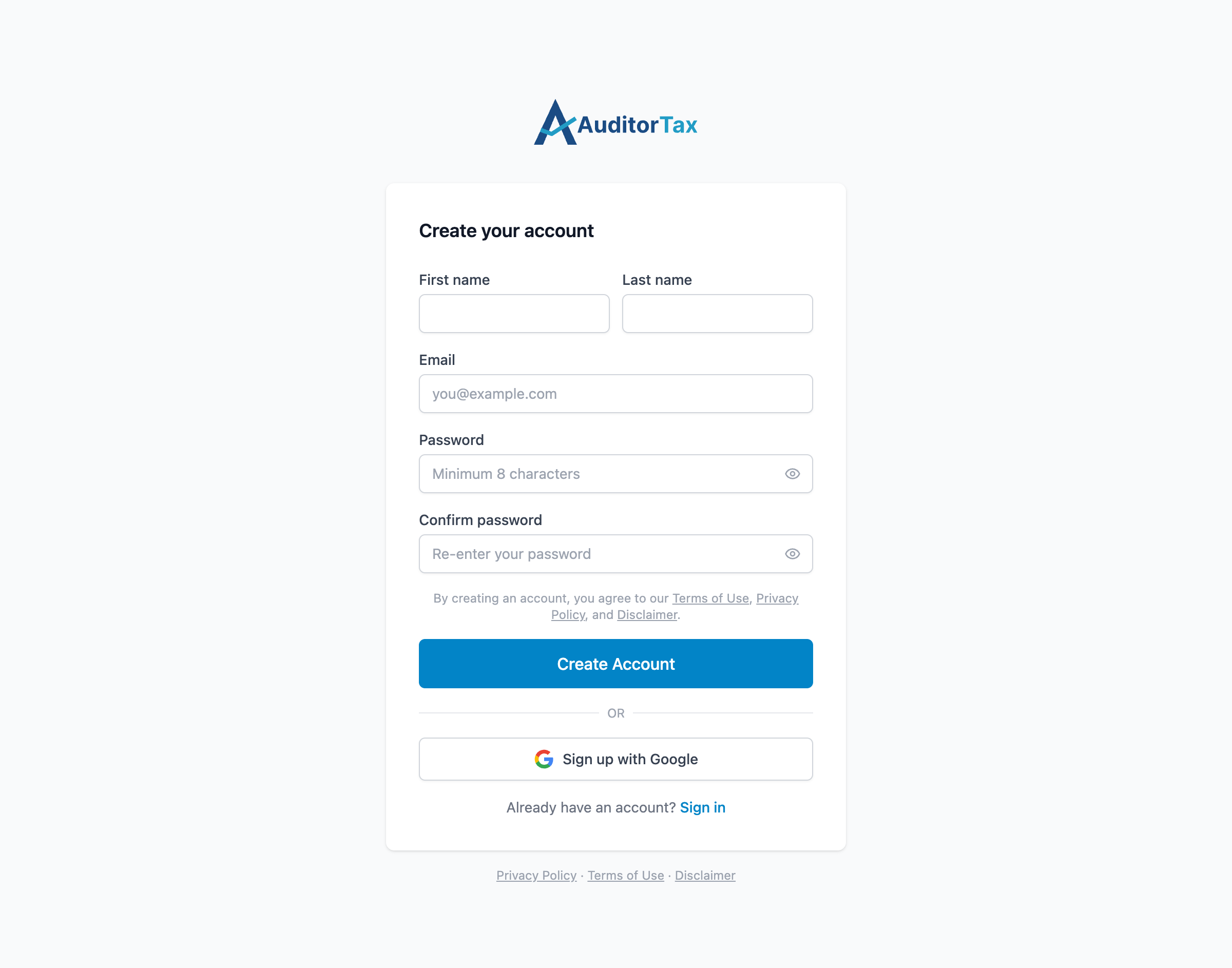
5. Fill in the form and click “Create Account”
Section titled “5. Fill in the form and click “Create Account””Creating an account means agreeing to the linked Terms of Use, Privacy Policy, and Disclaimer. Make sure to read the terms, conditions and policies.
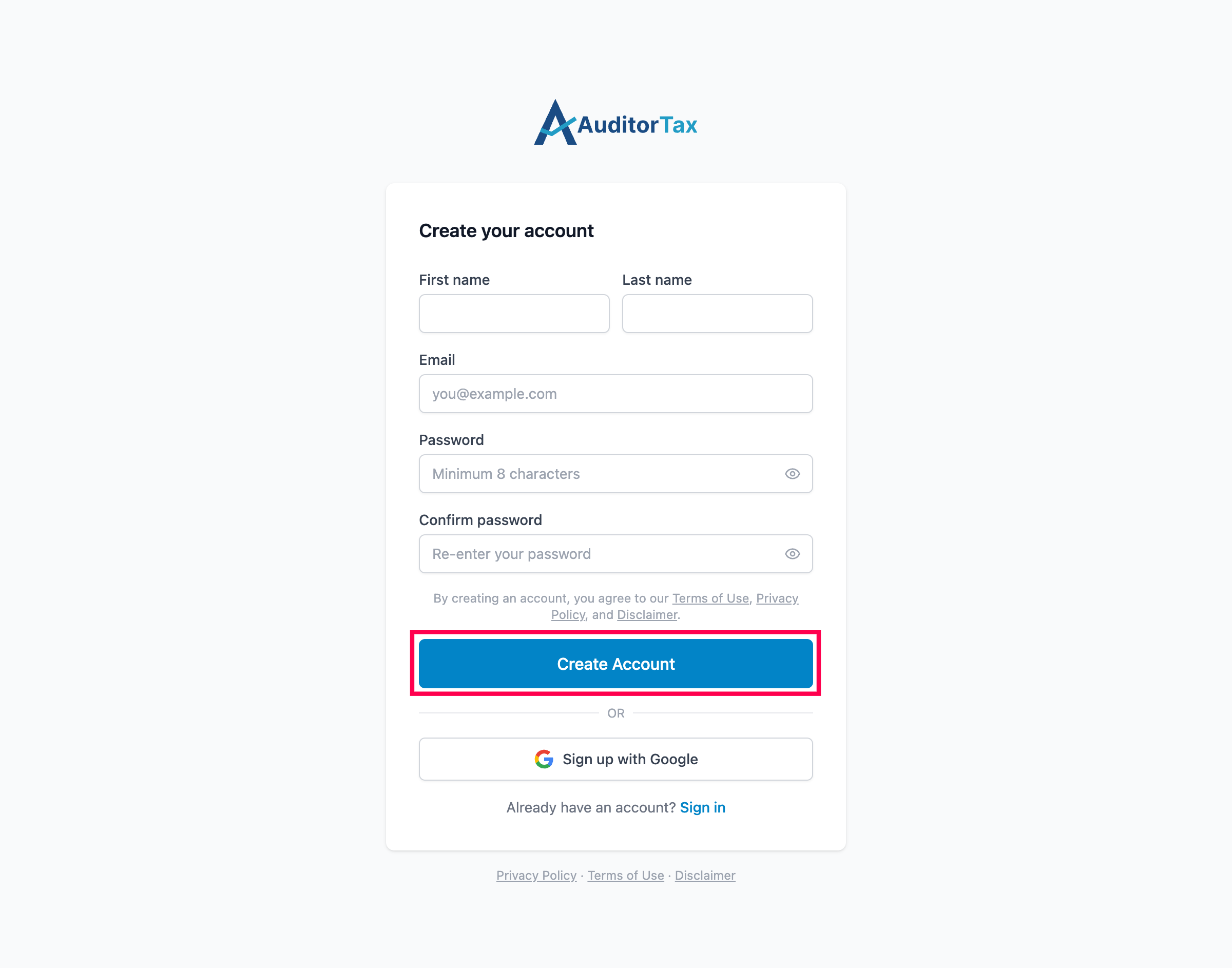
6. Or, click “Sign up with Google” to use google account
Section titled “6. Or, click “Sign up with Google” to use google account”This is the same “Sign in with Google” button in disguise — its link points to the exact same as the one on the Sign In page. Google’s own login doesn’t distinguish signing up from signing in: the first time you authorize a given Google account, AuditorTax creates the account from it; every time after that, the same button just signs you in.