Viewing an Employee
Viewing an Employee
Section titled “Viewing an Employee”1. We can View the employee’s details, either of two ways
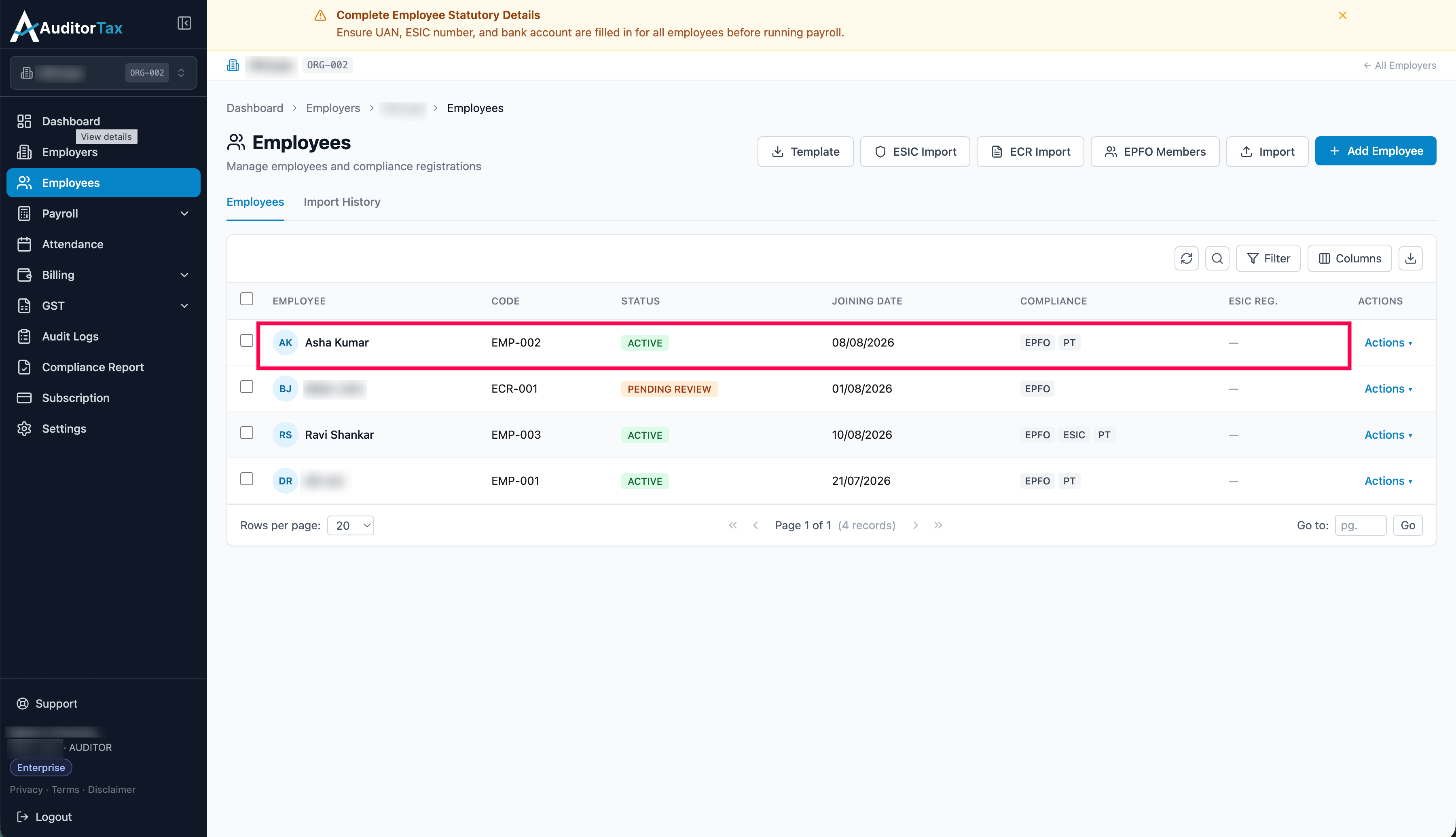
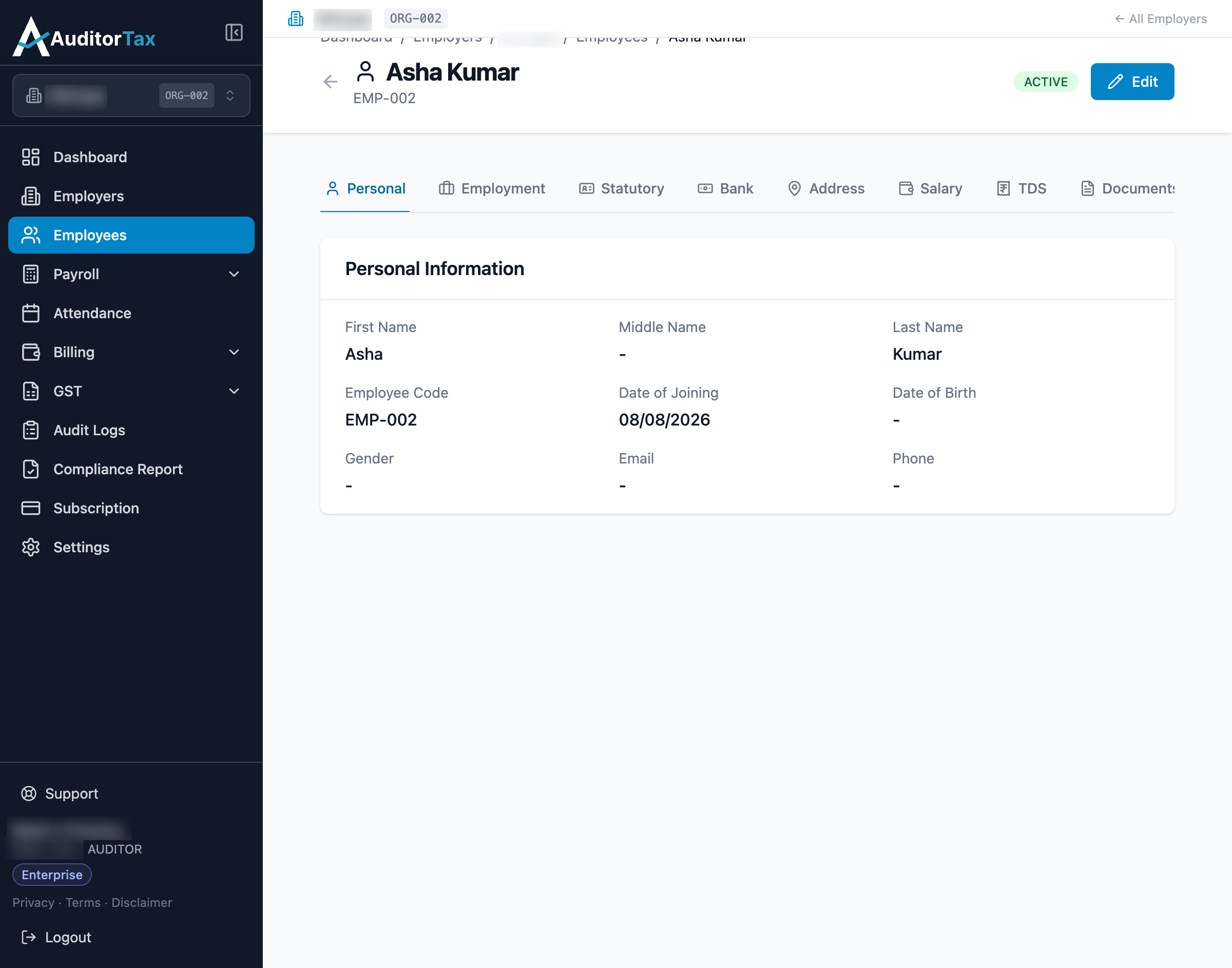
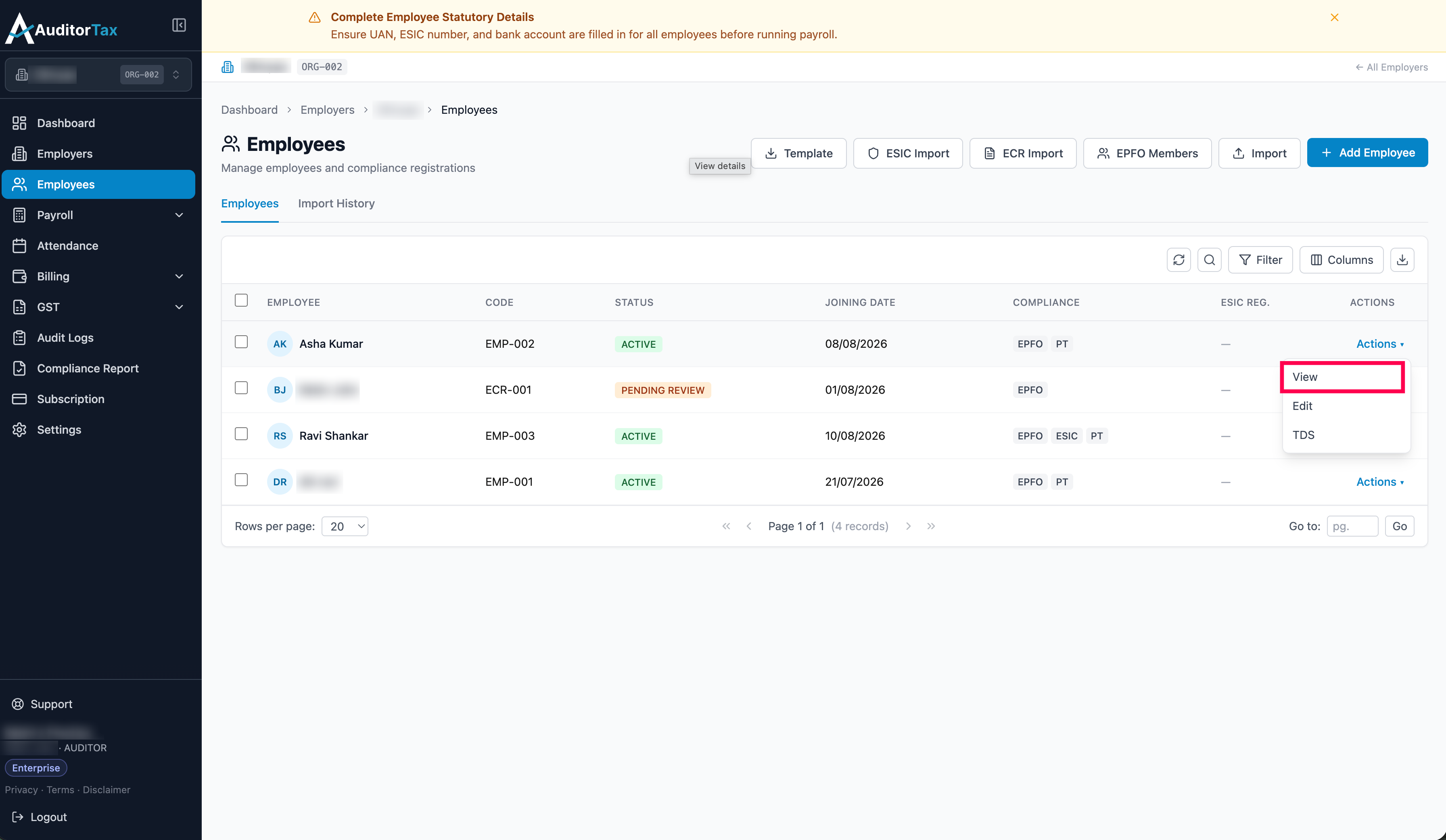
Section titled “1. We can View the employee’s details, either of two ways”Option A: Click “Actions ▾” on the employee’s row, then click “View” in the dropdown which moves to the employee view page
Option B: Click the employee’s name row to open their employee view page.